
The cancellation process depends on the status of your subscription. Please follow the instructions for your situation below.
Active Subscription
If you have an active paid subscription, you can cancel it directly from the AutoSPF billing portal:
1. Navigate to https://app.autospf.com/dashboard
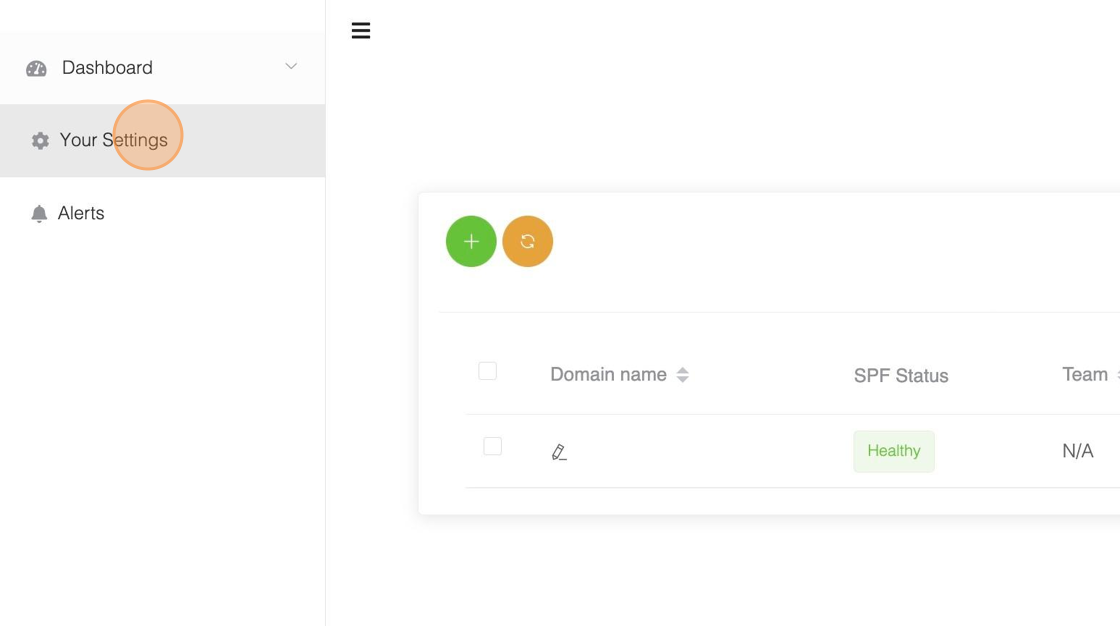
2. Click "Your Settings"
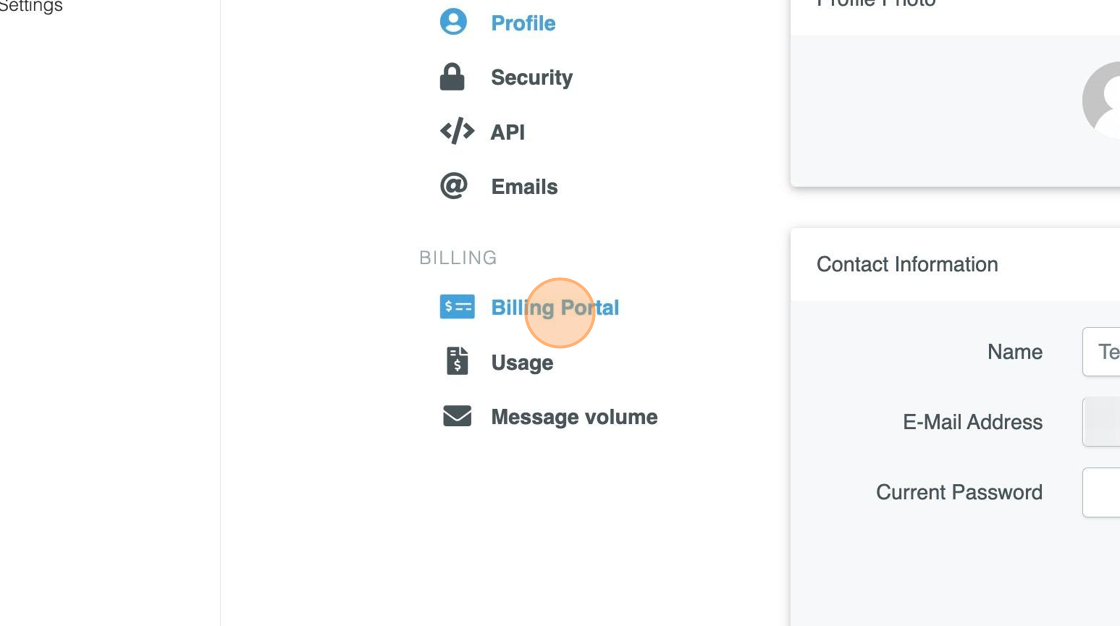
3. Click "Billing Portal"
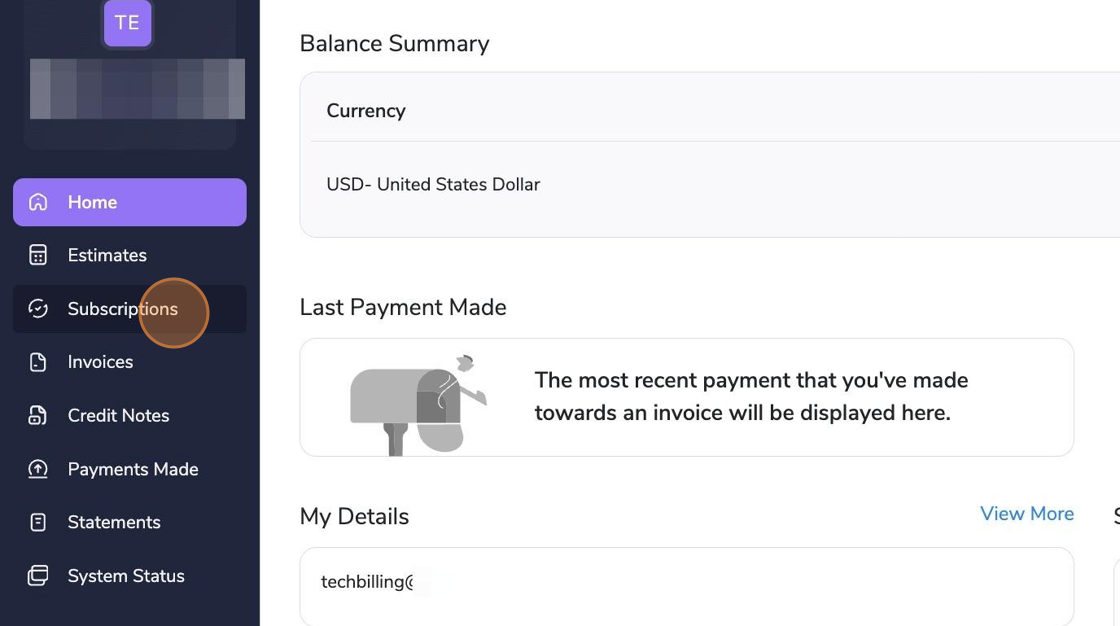
4. Click "Subscriptions"
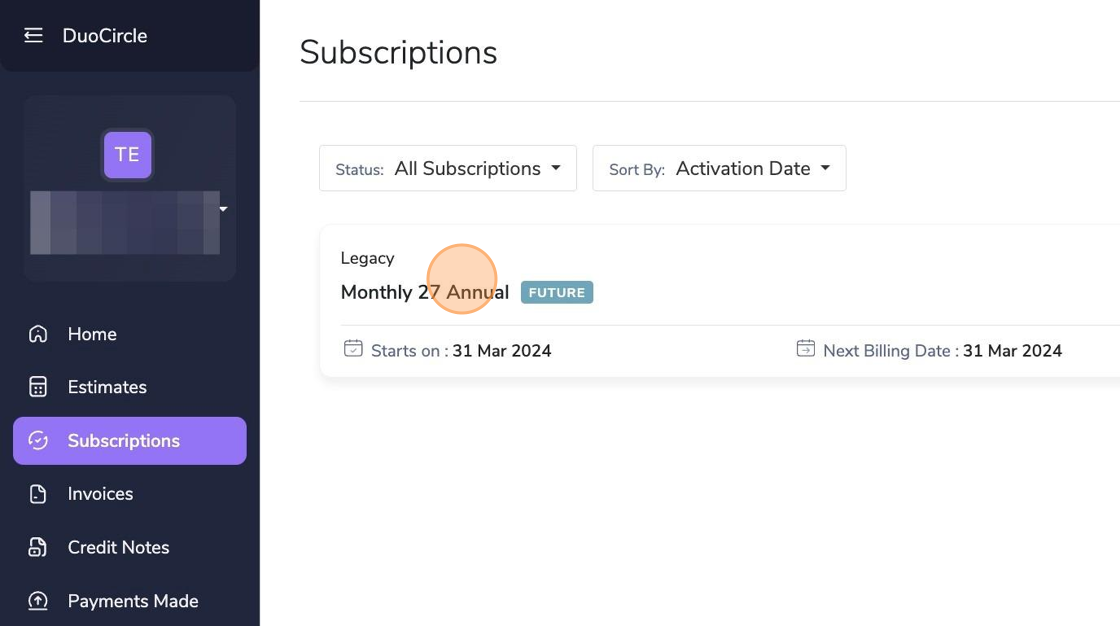
5. Click on your subscription name
6. Click "Cancel Subscription"
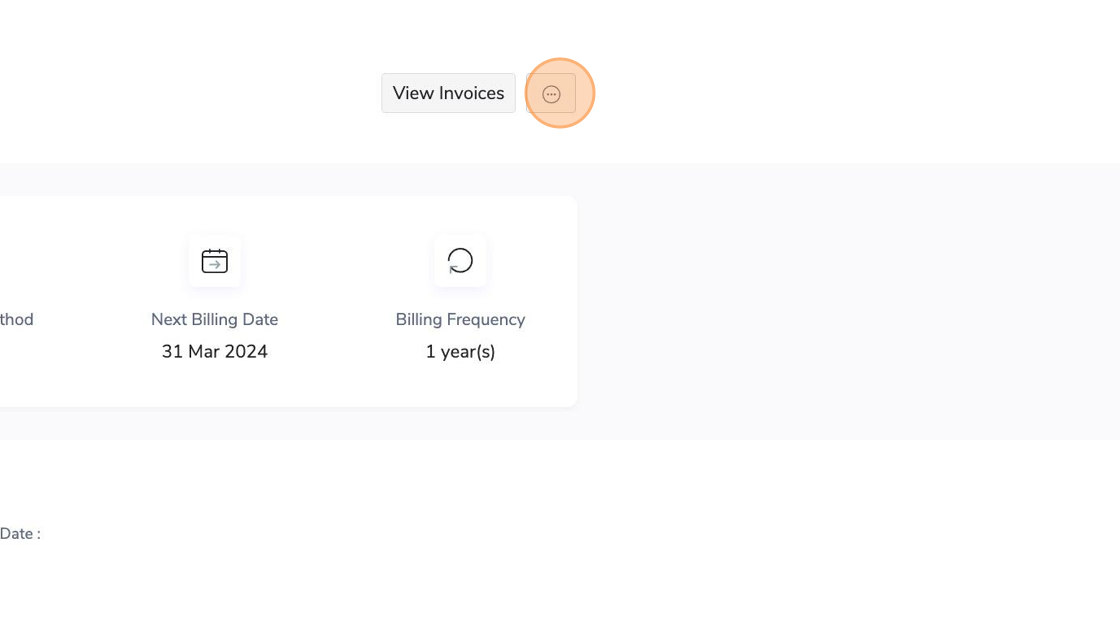
7. Click "Cancel Billing" to confirm
Trial Expired
If your trial has expired, no further charges will be made to your account — there is nothing to cancel.
Account Deletion
If you would like your account permanently deleted, please contact our support team at https://support.duocircle.com.